5 min read DataRoad
In summary
- Portugal continues to attract international companies — and IT is one of the first practical problems to resolve.
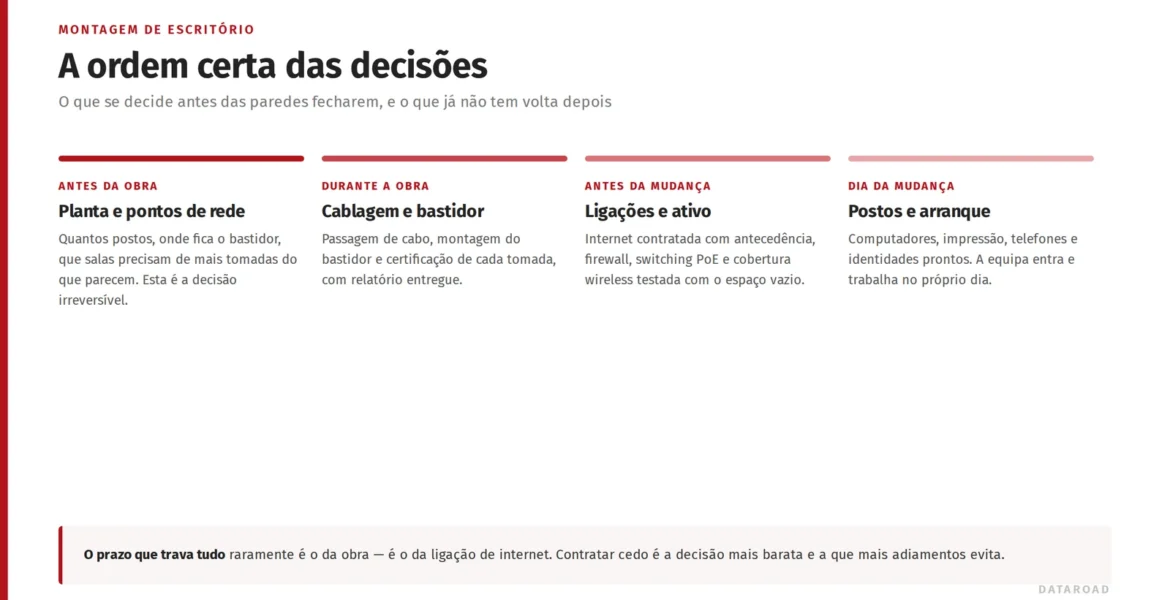
- The internet connection is the longest-term item: it must be requested weeks before the move.
- A local partner avoids managing suppliers from a distance and across different time zones.
- DataRoad is already the local IT arm of US companies and several European countries in Portugal — with English support.
In this article
Why IT blocks so many office openings
The company chose Portugal, signed the office lease, hired the first people — and then discovers that the team has nowhere to plug in. Dedicated internet takes weeks to install, no one knows the local operators, quotes arrive in Portuguese and the IT manager is five time zones away. It is a pattern we see repeatedly with international companies setting up in Lisbon and Cascais — and it is entirely avoidable with a local partner involved from day one.
The IT checklist for setting up in Portugal
- Dedicated internet — ask for the office contract to be signed beforehand; it's the longest lead time of all. Ideally with redundancy (second line or 5G/Starlink backup).
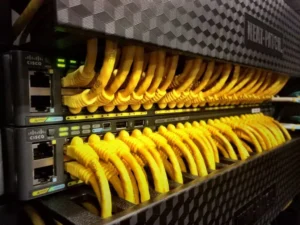
- Network and cabling — to make use of works and furniture yet to be installed to rewire the office from scratch, Once, well done.
- Business Wi-Fi — professional coverage sized for constant video calls with the teams at headquarters.
- Security — firewall, secure remote access to the parent company network and policies aligned with global company standards.
- Local support — someone who answers calls in English, in the office's time zone — and shows up in person when needed.
Managing from afar vs having a local partner
Trying to manage the IT of a Portuguese office from Austin, Berlin or London means hiring operators without knowing them, coordinating installers by email and discovering problems only when the local team has already ground to a halt. A local IT partner reverses this: they deal with Portuguese suppliers, speak to the landlord and the operator, receive the equipment, install it, test it — and report back to headquarters in English, with a single point of contact. The international company keeps control; it just no longer needs to be here to exercise it.
What DataRoad does for international companies
We are the local IT arm of international companies in Portugal — such as ReStream (USA), whose Cascais office we set up from scratchnetwork, Wi-Fi 6, firewall and redundant Starlink connection. We take care of everything — from infrastructure to ongoing support — with reporting and communication in English for the headquarters. If your company is coming to Portugal, arrive with your IT sorted.
A chat before making a decision
Whether you’re tackling a specific problem, planning a move or simply looking for a second opinion, we always start in the same way: by understanding your situation before making any suggestions. No obligation, no jargon and no catalogues.
DataRoad Blog Articles
- IT for Hotels: Wi-Fi, PMS and Networks That Mustn’t Fail
- Sten: expansion of the wireless and IT network in Portugal
- Nearshoring in Portugal: The IT Infrastructure That International Teams Expect
- Connecting Two Buildings Without Cables: Wireless Bridges for Warehouses and Facilities